Wispr Flow Review: 340K Words at 160 WPM
I've been using Wispr Flow every single day for about three months now. I'm not sponsored. I started as a paying user and now my referrals cover the cost. I just want to put this out there for anyone who types a lot for work.
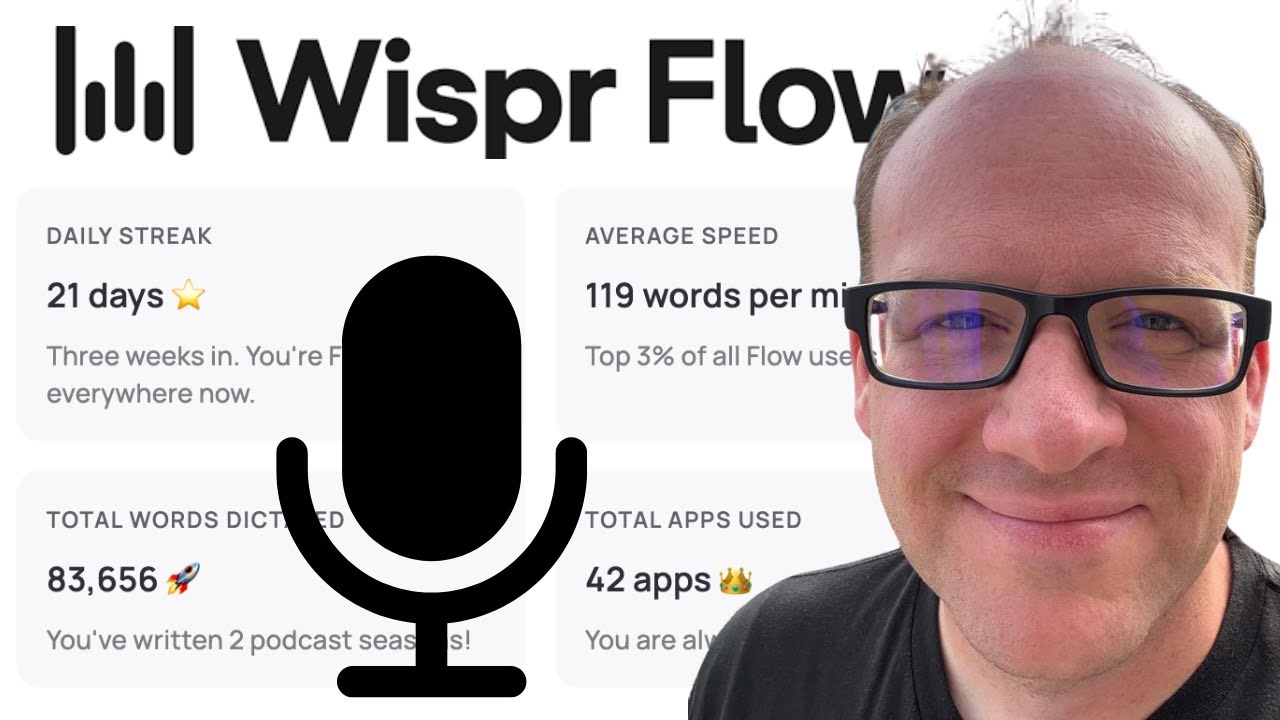
Click on the image above to watch the full video.
My main use case is dictating into Claude Code, Anthropic's coding CLI. I'm talking to my computer all day, writing code comments, commit messages, documentation, Slack messages, emails. Wispr Flow sits in the background on my Mac, and whenever I want to talk instead of type, I just hold down a key and go.
Here are my actual stats after three months:
- 339,725 words dictated (apparently that's 3 complete books worth)
- 160 words per minute, which puts me in the top 1% of all Flow users
- 23-day daily streak right now
- Used it across 94 different apps
Click the image above to watch the full review
The Speed Gap: 40 vs 160 Words Per Minute
You can speak a lot faster than you can type. Most people type around 40 words per minute. I dictate at 160 words per minute, four times faster.
That's not just a nice-to-have. When you're prompting AI, writing emails, coding with Claude, or texting throughout the day, that speed difference compounds. Four times faster means getting through your communication backlog in a quarter of the time.
Why Apple's Built-In Dictation Isn't Enough
Wait, doesn't Apple already have voice-to-text? It does. And if Apple's dictation is 95% accurate, you might think that's good enough.
It's not. It's that last 5% that kills you.
Every time you have to stop, go back, and fix one word that the dictation got wrong, you've broken your flow. The editing overhead adds up fast. What was supposed to save time becomes its own kind of friction.
What Makes Wispr Flow Different
AI-Powered Processing
Wispr Flow doesn't just transcribe in real-time. It takes what you say, sends it off for AI processing, and returns cleaned-up text. This means:
- Smart formatting — It can turn your spoken words into lists, proper paragraphs, or structured content
- Filler word removal — If you stutter, pause, or rethink mid-sentence, it's smart enough to remove those retakes
- Context awareness — If I'm in VS Code it handles technical terms differently than when I'm writing an email. It understands where you are and adjusts.
What lands on screen reads like I typed it, not like I dictated it. Even when I was stumbling through my thoughts out loud.
Custom Dictionary
Here's where it gets useful for technical work. You can teach Wispr Flow specific words and terms.
If I'm talking about Descript or N8N or any technical tool with unusual spelling, I can add it to my dictionary. The AI then knows what I'm talking about and spells it correctly every time.
This matters for anyone who uses specialized terminology—developers, marketers, consultants, anyone in a technical field.
Works Everywhere
Wispr Flow isn't limited to one app. It works across your entire Mac—any text field, any application. I'm using it in:
- ChatGPT and Claude for AI prompting
- Texting and messaging apps
- Code editors (yes, vibe coding is real)
- Slack, Notion, whatever you're using
The app tracks usage automatically. Last I checked, I'm using it across 94 different apps without even thinking about it.
The Flow State Trade-off
One thing that took adjustment: you can't see the words appearing as you dictate. There's no real-time visual feedback—just a little wave icon showing it's listening.
This feels weird at first. You're used to seeing text appear as you type. But here's the thing: once you trust the system, you actually get into a better flow state. You're just talking, not watching and correcting.
The AI processes everything after you stop, and the final text is cleaner than if you'd been editing on the fly.
Our Toolbox. Every platform, plugin, and service we use and recommend, in one place. See the list →
My Setup: Hands-Free Mode
Wispr Flow offers two modes:
- Push-to-talk — Hold a button while speaking
- Hands-free mode — Tap to start, tap to stop
I use hands-free with the Option key. Tap Option, talk, tap Option again when done. No holding required, and my hands stay on the keyboard for immediate editing if needed.
One shortcut worth knowing: Ctrl-Command-V pastes the last thing you transcribed. If Wispr Flow put your text into one app but you also need it somewhere else, this saves you from dictating it again.
The Phone Situation
I still don't love it on my phone. They put the microphone button in a different spot than what I'm used to and the permissions feel a little janky.
But on the desktop? I'm never going back to typing full paragraphs again. This is where I do most of my work anyway, so that's where the value is.
Pricing and Free Trial
Wispr Flow runs about $15/month. They offer a free trial, so you can test whether it fits your workflow before committing.
For context: I've dictated 339,725 words in three months. At 160 words per minute versus 40 typing, the time savings are massive. The $15 pays for itself many times over.
What do I get for referring you? I just get credits on my account. When someone I refer hits 2,000 words, I earn a free month of Pro. And you can do the same thing. Share your own referral link, your friends try it, and your subscription pays for itself.
Ready to stop typing? Start your free Wispr Flow trial →
Who This Is For
Wispr Flow makes sense if you:
- Write a lot — Emails, documents, AI prompts, messages
- Use technical terminology — The custom dictionary matters
- Work on a Mac — That's where the experience is best
- Value speed — 3x faster adds up
- Sometimes ramble — The AI cleanup is forgiving
It doesn't make sense if you're already a 100+ WPM typist who rarely needs to communicate in long-form, or if you work in shared spaces where talking out loud isn't practical.
What I'm Hearing from Others
I posted about Wispr Flow recently and the responses were wild. People aren't just saying "cool tool." They're sending me their stats.
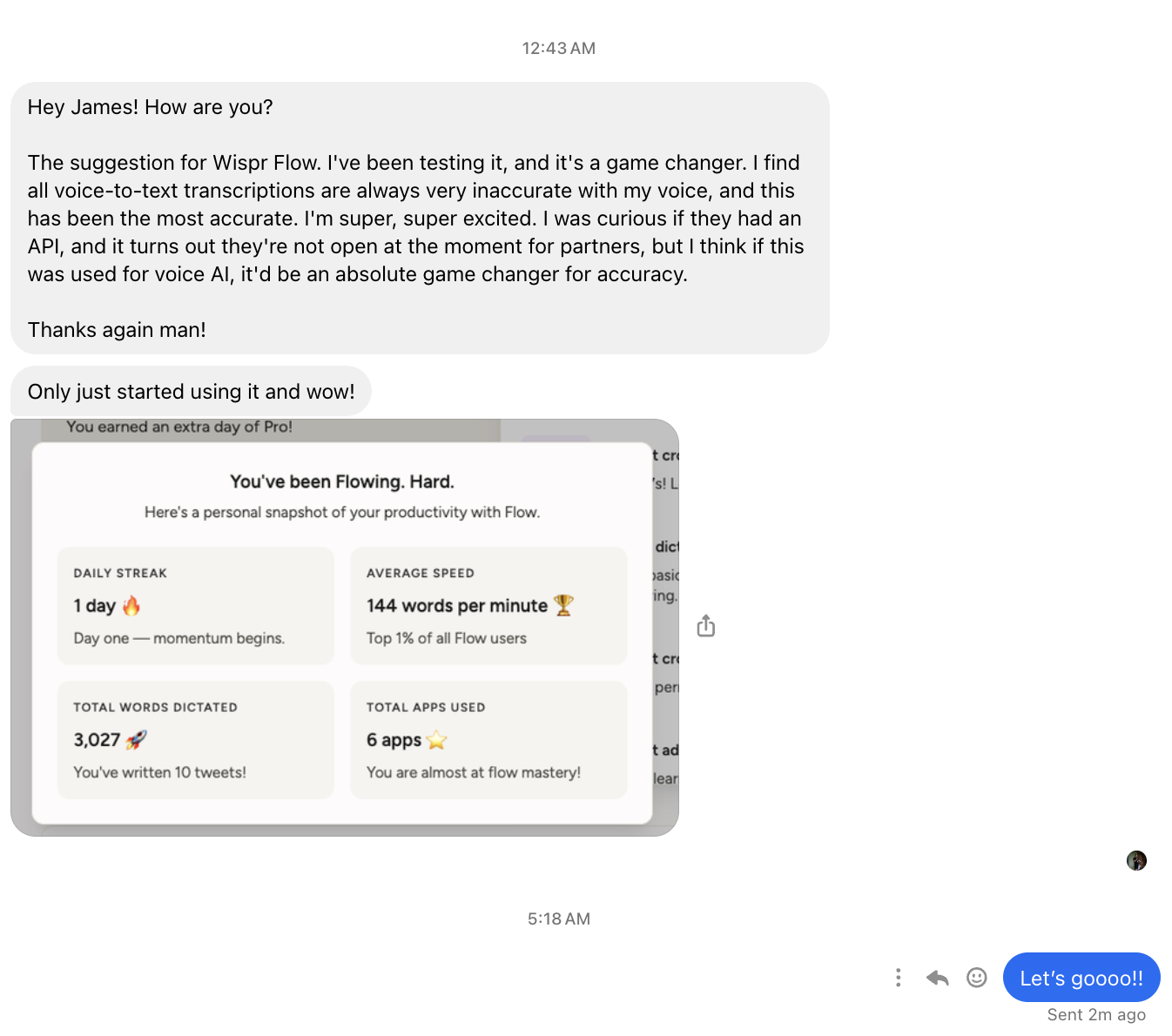
One friend messaged me privately saying he finds all voice-to-text transcriptions "always very inaccurate with my voice," but Wispr Flow has been the most accurate he's ever used. He was so excited he started looking into whether they had an API for voice AI applications. His stats after just getting started: 144 words per minute (top 1% of all Flow users), 3,027 words dictated across 6 apps. Day one.
Then Randall Gross said he's "finding it harder and harder to work without it" and shared his dashboard: 172 words per minute, also top 1%, 12,950 words dictated across 10 apps in two weeks. That's faster than me.

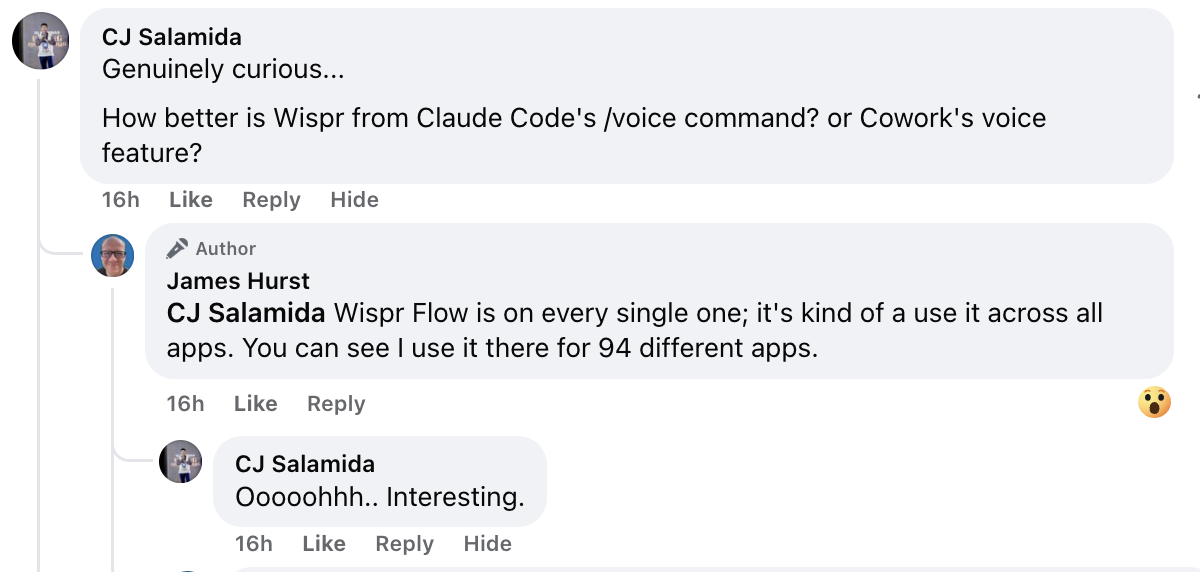
Someone asked how Wispr compares to Claude Code's /voice command or Cowork's voice feature. The answer is that Wispr Flow sits underneath everything. It's not app-specific. I use it across 94 different apps, including Claude Code, ChatGPT, email, Slack, code editors, whatever. It's the input layer.
Jim Mosier said he'd just posted about it the day before, called it "an amazing tool," and agreed with me on the phone experience: "I'm not crazy about how it works on the phone either." So it's not just me on that one.

Andrew Hamlin called it "by far one of my fav apps ever." The pattern I keep seeing is that once people try it, they can't go back to typing for everything. The speed difference is too big to ignore.

My Verdict
I use Wispr Flow every single day. 339,725 words in and it's become invisible infrastructure. I just expect it to work, and it does.
The thing that surprised me most is how accurate it is compared to every other voice-to-text tool I've tried. The combination of speed (160 WPM), context awareness, and smart cleanup makes it actually useful rather than just a novelty.
If you spend significant time typing, try the free trial. You'll know within a day whether it's for you.
Get Started
- Try Wispr Flow — Free trial available
See Also
- Your First Day With Claude Code — Just getting started? This setup guide mentions Wispr Flow as the next step once Claude Code is running
- Claude Code — The terminal-based AI assistant that pairs perfectly with voice dictation
- OpenAI — AI that Wispr Flow pairs well with for prompting
See Also
We are an independent affiliate of Wispr Flow and may earn a commission if you sign up through links on this page. We are not employees or representatives of Wispr Flow.
We are an independent affiliate of Claude Code and may earn a commission if you sign up through links on this page. We are not employees or representatives of Claude Code.
Some links in this article are affiliate links. If you purchase through them, we may earn a commission at no extra cost to you. This helps support our content.
This article blends original content, AI-assisted drafting, and human oversight. How I write.
Stay Updated
Get notified when new content is published.
No spam. Unsubscribe anytime.