HighLevel Calendar Staff Selection: Let Customers Choose Who to Book
HighLevel added staff selection to the calendar booking widget. Customers can now choose a specific team member from a Round Robin calendar.
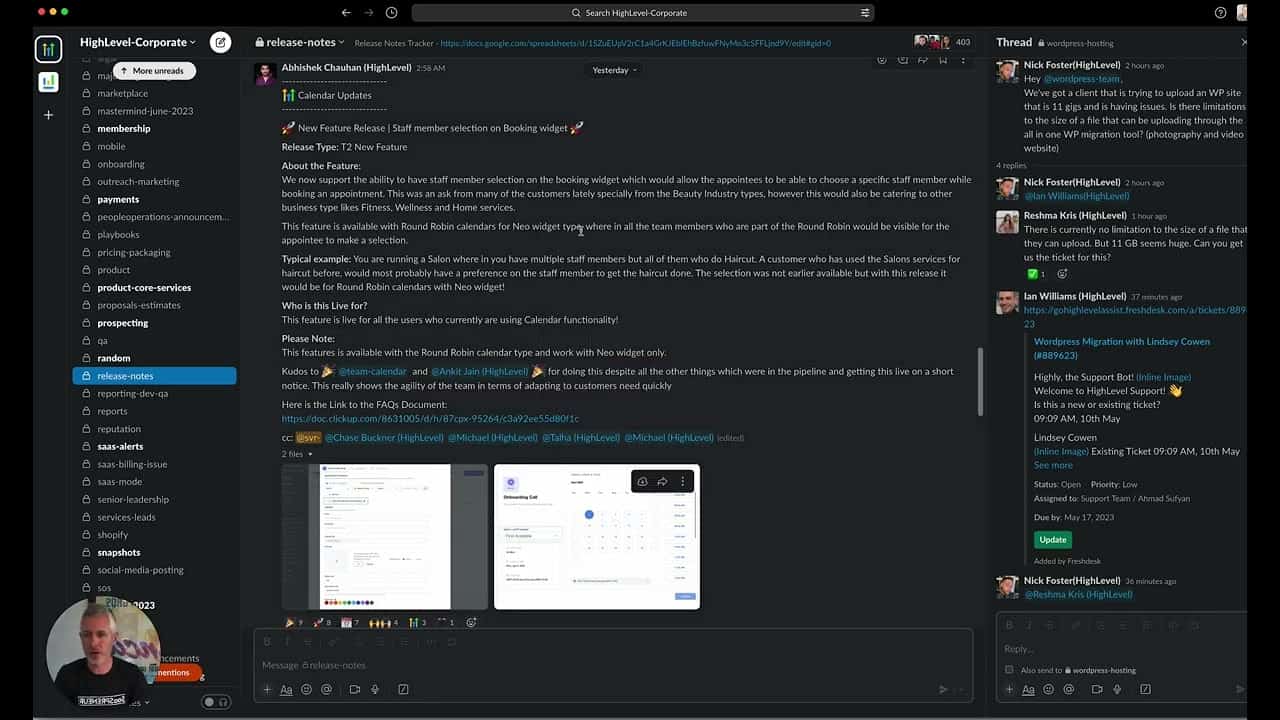
Click on the image above to watch the full video.
How It Works
When booking, customers see:
- A list of available staff members
- Option to choose their preferred person
- Or select "first available" for fastest booking
Who This Is For
Salons and Spas
Customers often have a preferred stylist or therapist.
Wellness Services
Personal trainers, massage therapists, coaches.
Our Toolbox. Every platform, plugin, and service we use and recommend, in one place. See the list →
Professional Services
Consultants where relationship matters.
Any Service Business
Where customers care who they work with.
How to Enable Staff Selection
- Go to Calendars
- Edit your Round Robin calendar
- Find Allow staff selection during booking
- Toggle it on
- Save
Widget Compatibility
This feature works with the Neo widget type, which is the default for new calendars.
Two Booking Options
Customers can:
- Select a specific staff member — Book with their preferred person
- Select first available — Get the soonest appointment regardless of who
Benefits
- Customer satisfaction — They get who they want
- Still efficient — "First available" keeps things moving
- Better relationships — Builds loyalty with specific team members
- Flexible — Works for both preference-based and availability-based booking
See Also
- HighLevel — The platform
See Also
This article blends original content, AI-assisted drafting, and human oversight. How I write.
Stay Updated
Get notified when new content is published.
No spam. Unsubscribe anytime.